Help at home, booked in minutes
Dorkar Service connects customers with service providers for home and local services.
Browse service categories, choose the service you need and book it on the web or in the Dorkar Android app.
What you can do on Dorkar Service
-
Browse categories
See the service categories available on Dorkar Service.
-
Book a service
Choose a service and send your booking.
-
Web and app
Book on the web or in the Dorkar app.
Services
Service availability depends on your location and on providers in your area.
Cleaning
Home and bathroom cleaning services.
Repairs
Repair services for your home.
Electronics repair
Repair services for electronic items.
Tuition
Tuition services, including online tuition.
How to book a service
-
Step 1: Open Dorkar Service
Visit Dorkar Service on the web or open the Dorkar app.
-
Step 2: Choose a category
Pick the type of service you need.
-
Step 3: Select a service
Review the service details and choose what suits you.
-
Step 4: Confirm your booking
Enter your details and confirm the booking.
Why book with Dorkar Service
Simple booking
Book in a few steps from your phone or computer.
Many services, one place
Different home and local services on one platform.
Support from Dorkar
Reach the Dorkar team if you need help.
A look inside Dorkar Service
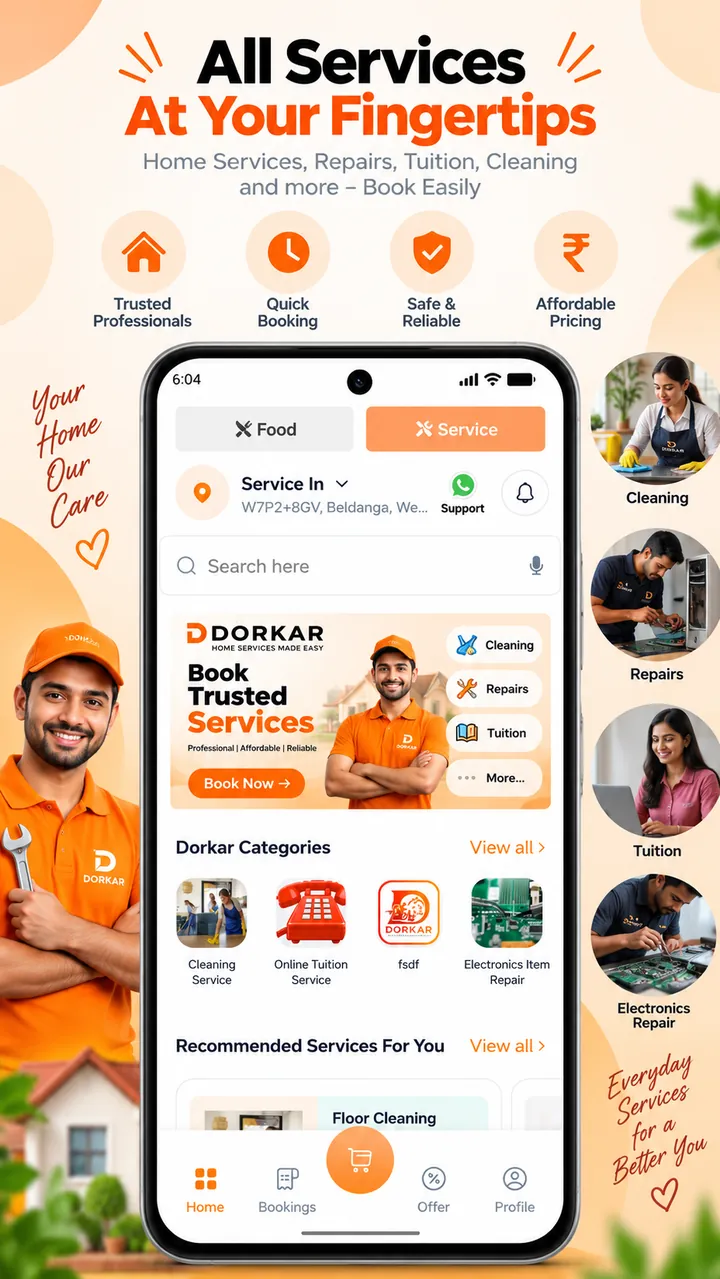
Book your next service with Dorkar
Explore Dorkar Service on the web or download the Dorkar app.